

In 2026, if you are still manually aligning images and spending late nights copy-pasting content into PowerPoint, you are falling behind. For fast-paced professionals in the CBD and students in Singapore’s top universities (like NUS and NTU), AI Slide Generators have become an essential productivity “hack.”
With so many tools on the market, which one can help you deliver a high-quality presentation in under 5 minutes? We’ve deep-dived into the top 4 AI tools dominating 2026.
At a Glance: Quick Comparison Table
| Feature | Canva Magic Design | SlidesKey | Gamma | Beautiful.ai |
|---|---|---|---|---|
| Main Input Source | Topic, Images | Topic, Files, URL | Topic, Text Outline | Structured Templates |
| File Support | PDF only | PDF, Docx, MD, XLS, URL, etc. | Text Paste only | None |
| Customization | Low (Visual-focused) | High (Pages/Tone/Audience) | Medium (Card-flow) | High (Template-locked) |
| AI Editing | Manual design focus | AI Polish/Flowcharts/Notes | AI Outline Tweak | Smart Layout Adjust |
| Export Format | PDF, PPTX | PPTX (Native Support) | PDF, Web | PPTX, PDF |
Deep Dive: Top AI Presentation Tools Reviewed
1. Canva Magic Design
Canva remains the “Visual Master” for aesthetics.
- Pros: Massive library of stock photos and decorative elements. Great for creative sharing.
- Cons: The AI logic is relatively basic. Generated content can sometimes feel like a “patchwork” that requires significant manual refinement.
2. SlidesKey (The 2026 Productivity Dark Horse)
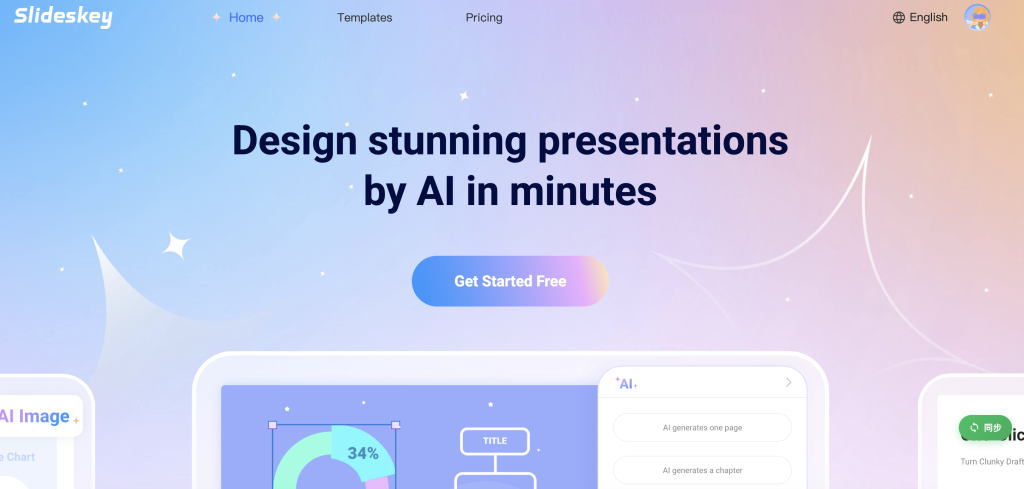
SlidesKey is the most popular “black technology” among Singapore’s workforce and student community this year. It skips the fluff and focuses on what matters: speed, accuracy, and professionalism.
- Core Strengths:
- “Feed” It Anything: This is its superpower. You can provide a simple topic, upload PDFs, Word docs, or even Excel files, or just paste a URL link. The AI extracts the core logic and generates a structured deck instantly.
- Deep Customization: You can specify “10 slides,” “Professional Business Style,” or “Targeted at C-suite Executives.” The AI adjusts the tone and vocabulary accordingly.
- AI-Native Editor: Not happy with a slide? Use the AI editor to rewrite text, generate images, or even auto-create Flowcharts.
- Auto-Generated Speaker Notes: It writes your Speaker Notes for every slide. You just need to follow the script—no more “blanking out” during presentations.
- Native PPTX Export: It focuses on the standard PPTX format. Once downloaded, you can edit it directly in PowerPoint with zero compatibility issues.
3. Gamma
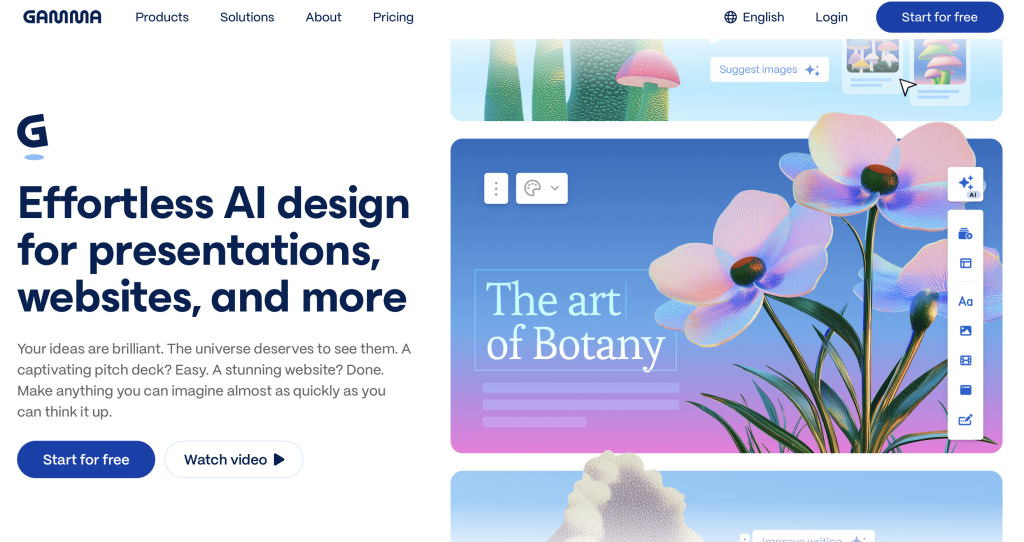
Gamma is a trendy “web-based” presentation tool.
- Pros: Highly interactive. Decks look like beautiful webpages, perfect for viewing on mobile devices.
- Cons: It doesn’t use the traditional 16:9 ratio. If you project it in a formal boardroom setting, the visual proportions might look a bit unconventional.
4. Beautiful.ai
This tool is a dream for perfectionists.
- Pros: Built-in design rules lock margins and alignment. No matter how much content you add, the layout stays neat and professional.
- Cons: Relies heavily on fixed templates and cannot process complex long documents or URLs as effectively as SlidesKey.
Scenario Recommendation: Which Should You Choose?
- If you need to turn a long document (PDF/Word/URL) into a deck instantly: Go for SlidesKey.
- If you need stunning visual decorations and have time to spare: Choose Canva.
- If you want a cool, web-based shareable link for mobile viewing: Choose Gamma.
- If you are an SG student needing an academic presentation with a script: We highly recommend SlidesKey. Its logical structure and Speaker Notes are “Grade A” material.
Frequently Asked Questions (FAQ)
A: SlidesKey natively supports PPTX export. Once downloaded, you can perform offline fine-tuning just like any other local document.
A: Yes. Paste the URL into SlidesKey, and the AI will extract the key insights to generate a perfectly formatted deck—ideal for market research or competitor analysis.
A: No need to redo the whole thing. Use the SlidesKey AI editor to “Rewrite” or “Regenerate” that specific slide, or ask the AI to add a flowchart for better visualization.
A: Yes. You can set the “Output Language” to English before generation. This is extremely useful for SG professionals and students who need to submit high-standard English reports.
Leave a Reply